

Struggling to access your UNISA student portal? Thousands of students lose valuable time each semester because they can’t log in to MyUnisa or their MyLife email. Yet these two accounts control everything—from assignments to exam notifications. Here’s the fastest way to access both systems without frustration.
To access your student portal at the University of South Africa, log in to MyUnisa using your student number and password. For MyLife email, sign in with your full student email address (studentnumber@mylife.unisa.ac.za) using the same password. Both accounts are essential for assignments, exams, and official communication.
What is MyUnisa and why is it important?
MyUnisa is the official online learning portal used by the University of South Africa.
It acts as your digital classroom.
Once logged in, you can access:
- Study materials and tutorial letters
- Assignment submissions
- Discussion forums with lecturers and students
- Exam timetables
- Academic announcements
If you cannot log in, you may miss important academic updates.
What is the MyLife login used for?
The MyLife email is your official student email account.
UNISA uses this email to send all important communication, including:
- Assignment notifications
- Exam information
- Registration updates
- Financial statements
- Important announcements
Your email format will look like this:
studentnumber@mylife.unisa.ac.za
This account uses the same password as your MyUnisa login.
How do you claim your UNISA login for the first time?
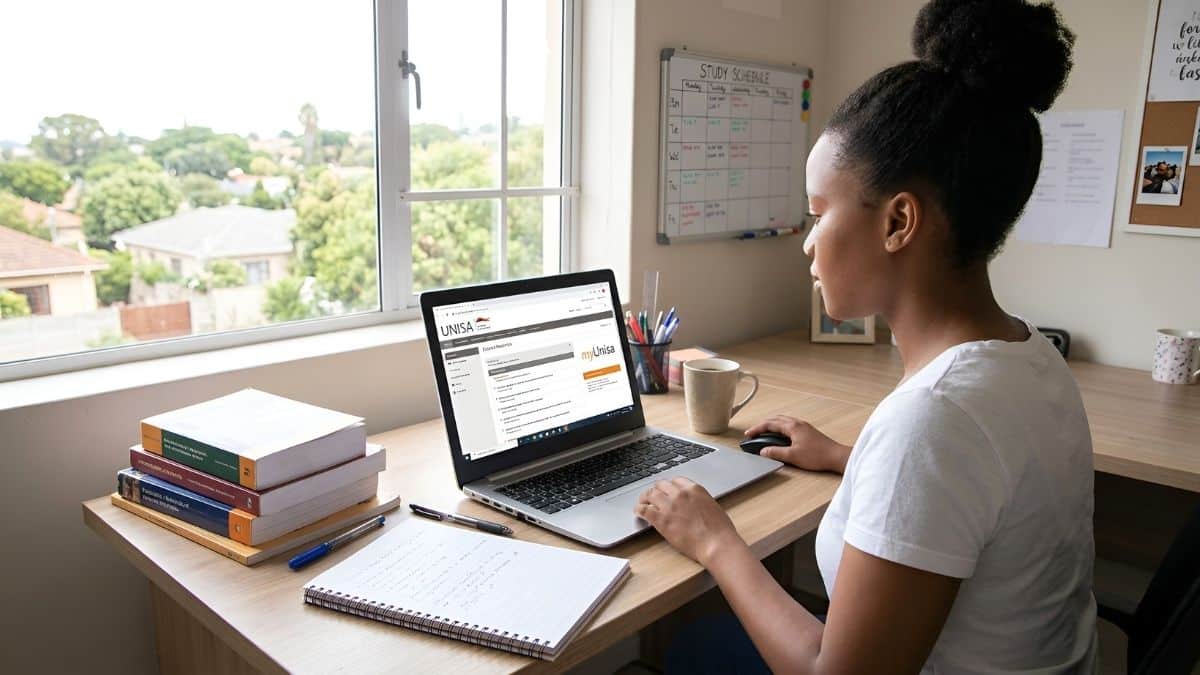
Before accessing either system, new students must activate their account.
Follow these steps.
Step 1: Visit the claim login page
Go to the official UNISA website and select “Claim UNISA Login.”
Step 2: Enter your personal details
Provide:
- Your student number
- Your ID or passport number
Step 3: Create your password
You will create one password used for both:
- MyUnisa portal
- MyLife email
Step 4: Wait for email activation
Your MyLife email account may take up to 24 hours to activate.
Once activated, you can log in to both platforms.
New to Unisa? Once you have claimed your login, your next step is to ensure your paperwork is in order. Use our guide on UNISA Application Status Check 2026: How to Track Your Admission to confirm your registration is finalized before your modules appear.
How do you log in to MyLife email?
Your MyLife account uses Microsoft services, so the login process is slightly different.
Follow these steps.
Step 1: Go to the login page
Visit the MyLife email portal.
Step 2: Enter your username
Use your full student email address:
studentnumber@mylife.unisa.ac.za
Step 3: Enter your password
Use the same password as your MyUnisa login.
Step 4: Choose account type
If prompted by Microsoft, select:
Work or school account
This ensures you access the correct student mailbox.
How can you reset your MyUnisa password?
If you see an “Invalid credentials” error, your password may need resetting.
Step 1: Open the password reset tool
Use the Forgotten UNISA Password option on the login page.
Step 2: Verify your identity
You will need:
- Your student number
- ID or passport number
Step 3: Create a new password
Since July 2024, UNISA passwords must include:
- At least 12 characters
- Uppercase letters
- Lowercase letters
- Numbers
- Special characters
Step 4: Wait for syncing
Once changed, your password will automatically update for:
- MyUnisa
- MyLife email
What should you do if MyUnisa works but MyLife doesn’t?
Sometimes the systems take time to synchronize.
If this happens:
Quick fix
- Reset your password again
- Wait a few minutes
- Try logging in to MyLife again
This usually forces a Microsoft system sync.
Looking to boost your career? Once you are comfortable navigating the MyUnisa portal, check out the specialized UNISA Short Learning Programmes 2026: A Faster Way to Upgrade Your Skills. For those specifically in the education sector, don’t miss the UNISA Short Teaching Courses in 2026: The Fastest Way to Upgrade Your Teaching Skills.
Grow Your Career with SETACareers
Access the latest learnerships, internships, bursaries, apprenticeships, and practical SETA guides designed to help you succeed.
Final Thoughts
Your MyUnisa login and MyLife email login are essential tools for studying at the University of South Africa.
Together, they give you access to:
- Course materials
- Lecturer communication
- Assignment submissions
- Exam updates
Claim your account early, keep your password secure, and check your MyLife email regularly so you never miss important university announcements.
FAQ Section
This is usually a synchronization issue. Try resetting your password on the MyUnisa portal; this often forces the two systems to update and recognize the same credentials.
While MyUnisa access is often immediate, your MyLife email account can take up to 24 hours to activate after you first claim your login.
Your email address is your student number followed by @mylife.unisa.ac.za. For example, if your student number is 12345678, your email is 12345678@mylife.unisa.ac.za.
Yes. Both systems use the same password, so resetting your UNISA password will update access for both platforms.
Use the Forgotten Password tool on the UNISA login page to reset your password and regain access to both MyUnisa and MyLife.
